
100% Hosted in the EU
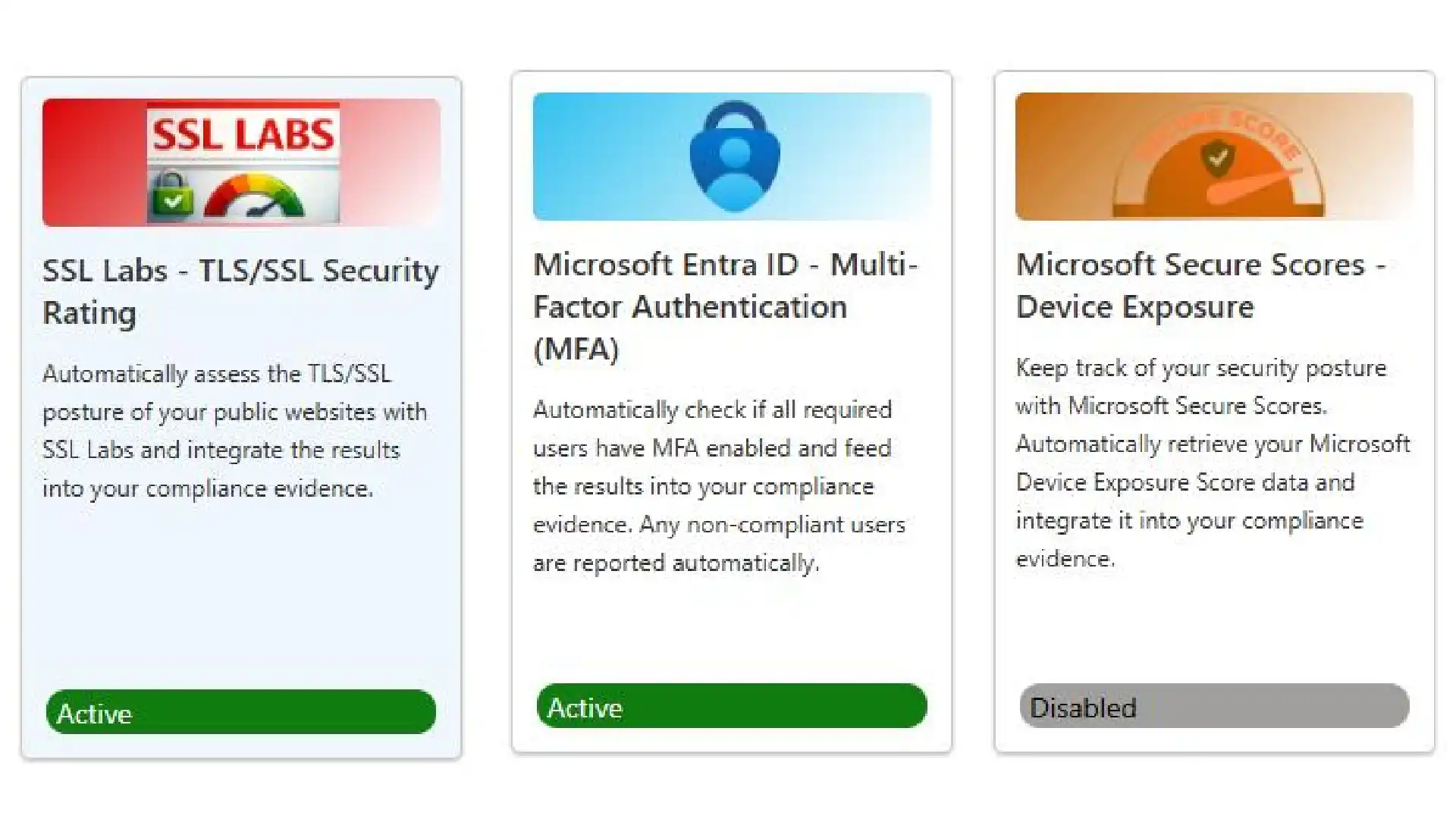
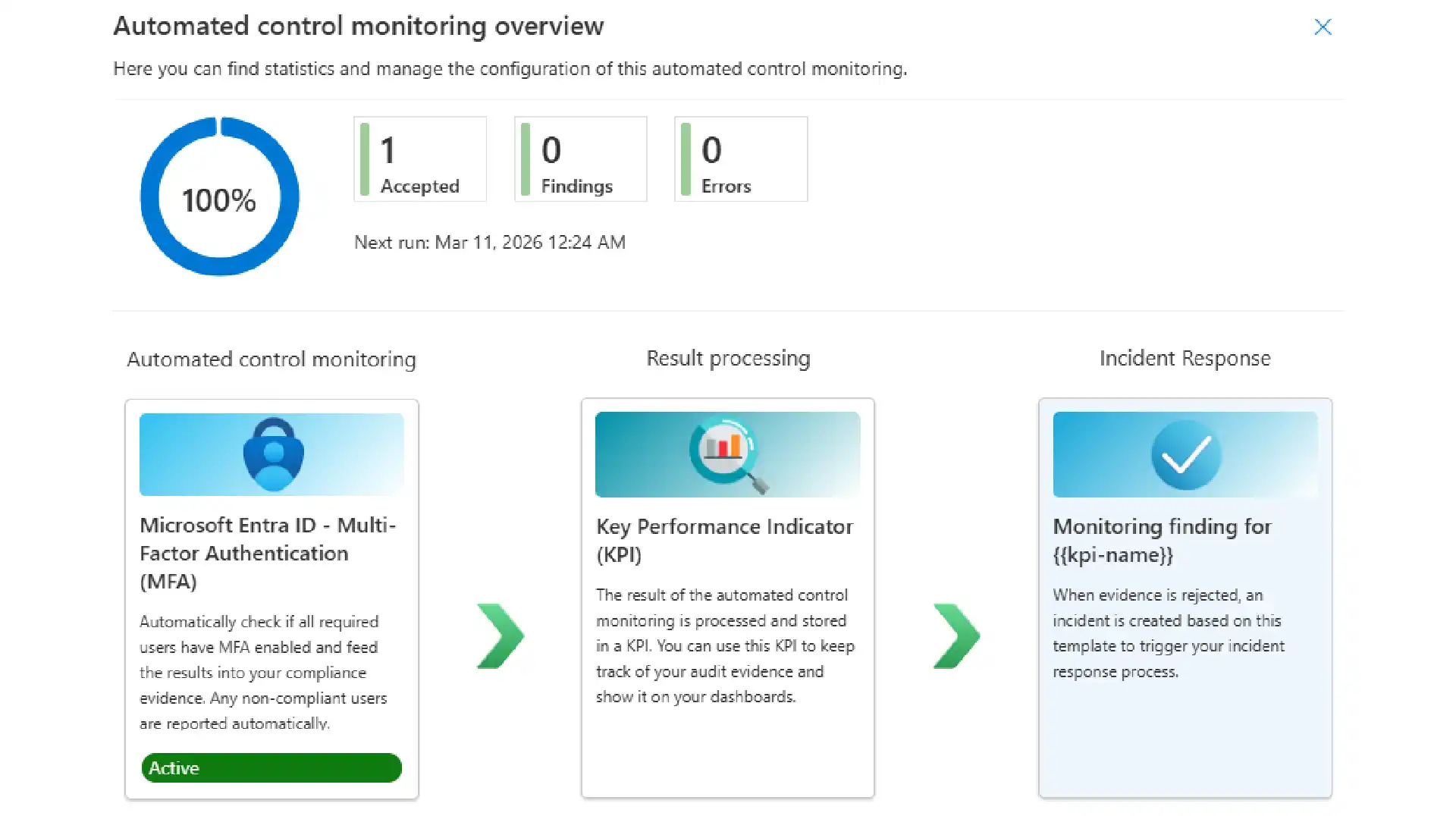
ISOPlanner™ runs three automated collectors in the background: Microsoft 365 monitoring for MFA status and Secure Scores across your environment, SSL Labs security testing against a minimum grade you define for your websites. Non-compliant findings generate tasks automatically. Evidence lands where it belongs, without manual input.

Some evidence needs to be collected on a recurring schedule. Power Automate workflows can deliver that evidence directly to ISOPlanner™ automatically.
Examples of what you can automate:
• Backup verification results
• Access review outputs
• System availability logs
• Security scan results
• Policy acknowledgement records
• Periodic control checks
Results are reviewed, approved, and stored. If evidence does not match what is expected, the workflow triggers an incident notification to the relevant team.
Not all evidence can be automated. Physical inspections and process walkthroughs use custom forms. Team members complete forms in Outlook or Teams, attach documentation, and submit. Responses are stored alongside automated evidence in the same unified audit trail.

Evidence in ISOPlanner™ is cumulative. Each task builds a history: what was completed, when, by whom, what evidence was provided, and whether any issues were flagged. Auditors access the full record without anything needing to be assembled in advance.
01.
What counts as evidence in an ISO 27001 audit?
Any documented record that demonstrates a control is working as intended. This includes completed checklists, approved policies, system logs, backup reports, risk assessment records, and form submissions. Auditors check both that controls are defined and that they are being operated consistently over time.
02.
How does ISOPlanner™ collect evidence automatically?
Via Power Automate and Zapier. Backup retention data, access review logs, and configuration checks can be pulled on a schedule without manual intervention. Results are reviewed, approved, and stored against the relevant control. If evidence does not match what is expected, the workflow can trigger an incident notification.
03.
How does ISOPlanner™ link evidence to the right controls?
Every control links to the tasks that execute it, and every task links to the evidence that confirms completion. Evidence attaches to the control at the time of collection, not assembled before the audit. When an auditor asks to see the evidence behind a specific control, navigate to it and the full history is already there.
04.
How is manual evidence collected, for example from physical inspections?
Through custom forms. Assign a form to a team member, they complete it in Outlook or Teams, attach supporting documentation, and submit. The response is stored in ISOPlanner™ alongside automated evidence, under the same control and in the same audit trail. Manual and automated evidence coexist in a single record.
05.
Does ISOPlanner™ access our internal systems directly to collect evidence?
No. Automated evidence flows through Power Automate or Zapier, which run under your own authorization and configuration. ISOPlanner™ receives the output. Your organization decides what data is read, how it is processed, and when it is delivered. No proprietary integration code touches your systems.
06.
How does accumulated evidence help at audit time?
Evidence in ISOPlanner™ is cumulative. Each control builds a history year-round: when it was last reviewed, what evidence was provided, whether anything was flagged, and how it was resolved. Audit preparation is not a gathering exercise. The evidence already exists, organized and traceable.
07.
Can manual and automated evidence coexist in the same control record?
Yes. A single workflow can pull automated data from your systems and prompt a team member to verify a manual step. One form, one submission, two data sources, one audit record. Both types of evidence appear under the same control with the same traceability.





Log in to your ISOPlanner™ workspace, or start a free trial.
Log in Start your free trial